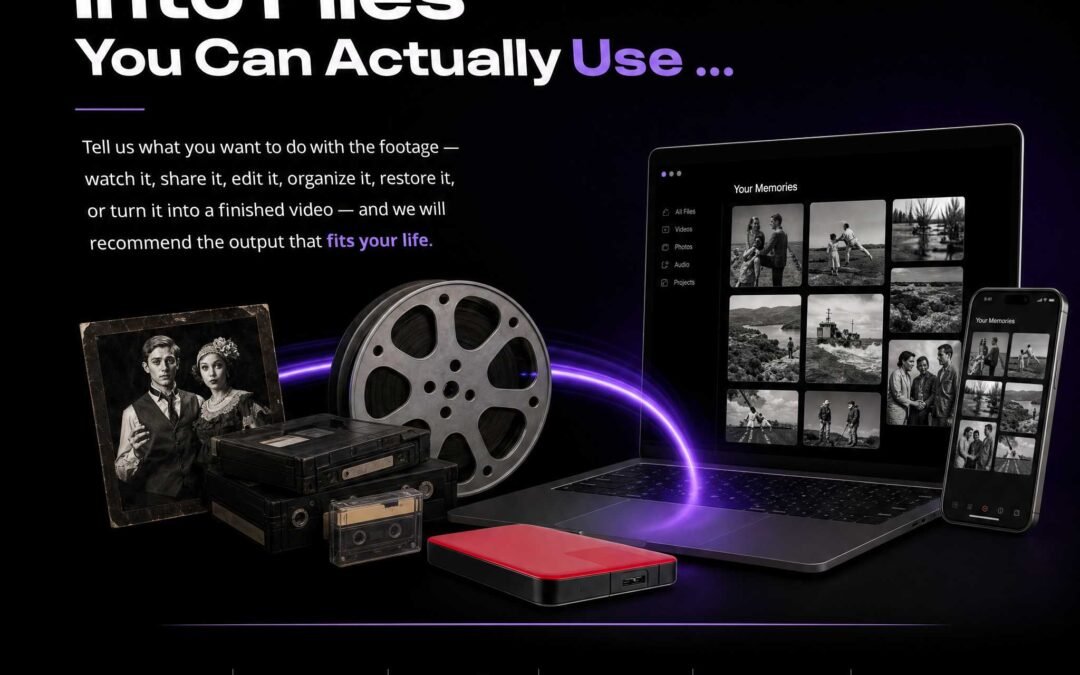
A box of old videotapes is not just a pile of media. It is an archive: recordings with dates, people, events, labels, recording speeds, and sometimes no identifying information at all.
Digitizing that collection is only the first half of preservation. The second half is making sure the resulting files are organized, understandable, backed up, and useful years from now.
Austin Video Solutions handles small family collections as well as larger mixed-media archives in South Austin. The workflow below reflects the same principles used when a project needs more structure than simply “one MP4 per tape.”
1. Inventory the Physical Media Before Capture
Start with what physically exists. Count the tapes, group obvious formats, and preserve whatever information is already written on labels, sleeves, cases, or boxes.
You do not need to rewrite every label before digitization. In fact, original wording can be useful evidence about the source. A label such as “Christmas 1994 / Tape 2” may be more valuable than replacing it with a vague modern description.
- Record tape numbers when they exist.
- Keep handwritten dates and names.
- Note unlabeled media rather than inventing a title.
- Separate obviously damaged, moldy, or mechanically unusual tapes for evaluation.
2. Preserve Source Identity in the Filename
A good archive filename should help someone understand the file without opening it. For family collections, a practical convention might include the date, event, family name, or tape number. For professional or research collections, a stable item ID or case number can be even more important.
A useful filename is short enough to manage but specific enough to sort and search. Dates work especially well at the beginning because files then sort chronologically.
For example:
1998-12-25_Christmas_Tape03.mp42001-06-14_Graduation_VHS-C_01.movARCHIVEID_0047_Interview_Master.mov
When the content is unknown, it is better to preserve a neutral identifier such as Unlabeled_Tape_07 than to guess.
3. Decide Whether You Need an Access Copy, a Master, or Both
Not every digital file serves the same purpose. AVS offers several tape-transfer outputs because “easy to watch” and “strong archival source” are different goals.
| File type | Best use | Current tape-transfer rate |
|---|---|---|
| H.264 MP4 | Access copy for viewing and sharing | $25 per started 2-hour block |
| Apple ProRes 422 | Editing master, documentary source, robust working file | $25 per started 2-hour block |
| Lossless | Maximum-fidelity preservation and restoration source | $52.50 per started 2-hour block |
For many families, MP4 alone is sufficient. For documentary, legal, research, or restoration-heavy projects, keeping a ProRes or lossless master plus a smaller MP4 access copy can make more sense.
4. Do Not Confuse Frame Size With Source Detail
Standard VHS is not native HD. A file can be delivered in a modern 1440×1080 frame while still representing standard-definition source material. The larger frame makes the video convenient for current playback and allows the original 4:3 geometry to be preserved without stretching or cropping.
AI/ML upscaling is different. It creates an enhanced derivative and may generate plausible detail that was not physically present in the recording. For archival work, it is usually better to keep the clean capture or master and store enhanced versions separately.
5. Keep Originals After Digitization
Digitization reduces dependence on aging playback equipment, but the physical tapes should normally still be returned and retained unless there is a specific reason to discard them.
A future restoration method, different playback deck, or new research question may benefit from the original source. The digital files become the primary access method; the tape remains the physical source object.
6. Use More Than One Digital Copy
A single hard drive is not an archive. Drives fail, folders are accidentally deleted, and devices get lost.
A practical family-preservation strategy is to keep at least two independent copies, ideally in different physical locations. One might live on a local external drive and another in cloud storage or on a second drive held elsewhere.
For larger collections, consider keeping:
- a master-files folder;
- an access-copy folder;
- a simple spreadsheet or text inventory;
- notes about tapes with playback problems or uncertain identification.
7. Mixed-Media Archives Need One Consistent Structure
Many real collections are not only VHS. They contain VHS-C, Hi8, MiniDV, 8mm film, photographs, audio cassettes, DVDs, and existing digital files. Treating every format as a separate unrelated job can make the final archive harder to navigate.
AVS can keep one naming and folder strategy across formats so that a family or research collection remains understandable after the physical media has been digitized.
This is especially helpful when the final project will become a documentary edit, family-history compilation, memorial film, or research archive.
8. Document Problems Instead of Hiding Them
If a tape has tracking instability, audio dropouts, damaged sections, blank intervals, or unusual playback behavior, that information can be worth recording. An archive should distinguish between a clean capture and a source that had known limitations.
For difficult media, see the AVS guides to diagnosing tape-related playback faults and EP/SLP VHS playback.
Preservation Should Make the Collection Easier to Use
The goal is not merely to create files. It is to create files that future family members, editors, researchers, or archivists can understand without needing the person who organized the project to explain everything.
That means stable naming, sensible formats, retained originals, more than one backup, and clear separation between preservation masters and enhanced derivatives.
See current AVS pricing and file options, explore all digitization services, or book a South Austin drop-off appointment.