Austin Video Solutions · Most Popular Service · South Austin, TX
VHS to MP4 Conversion in Austin — Watch Your Tapes on Any Screen
One standard MP4 output — the best practical one — prepared for phones, Smart TVs, laptops, tablets, and modern screens.
Convert VHS tapes to 1440×1080, 59.94 fps, H.264 MP4 files prepared for modern screens. $25 per started 2-hour block. Local drop-off in South Austin. Most tape projects are completed in 1–3 business days.
per started 2-hour block
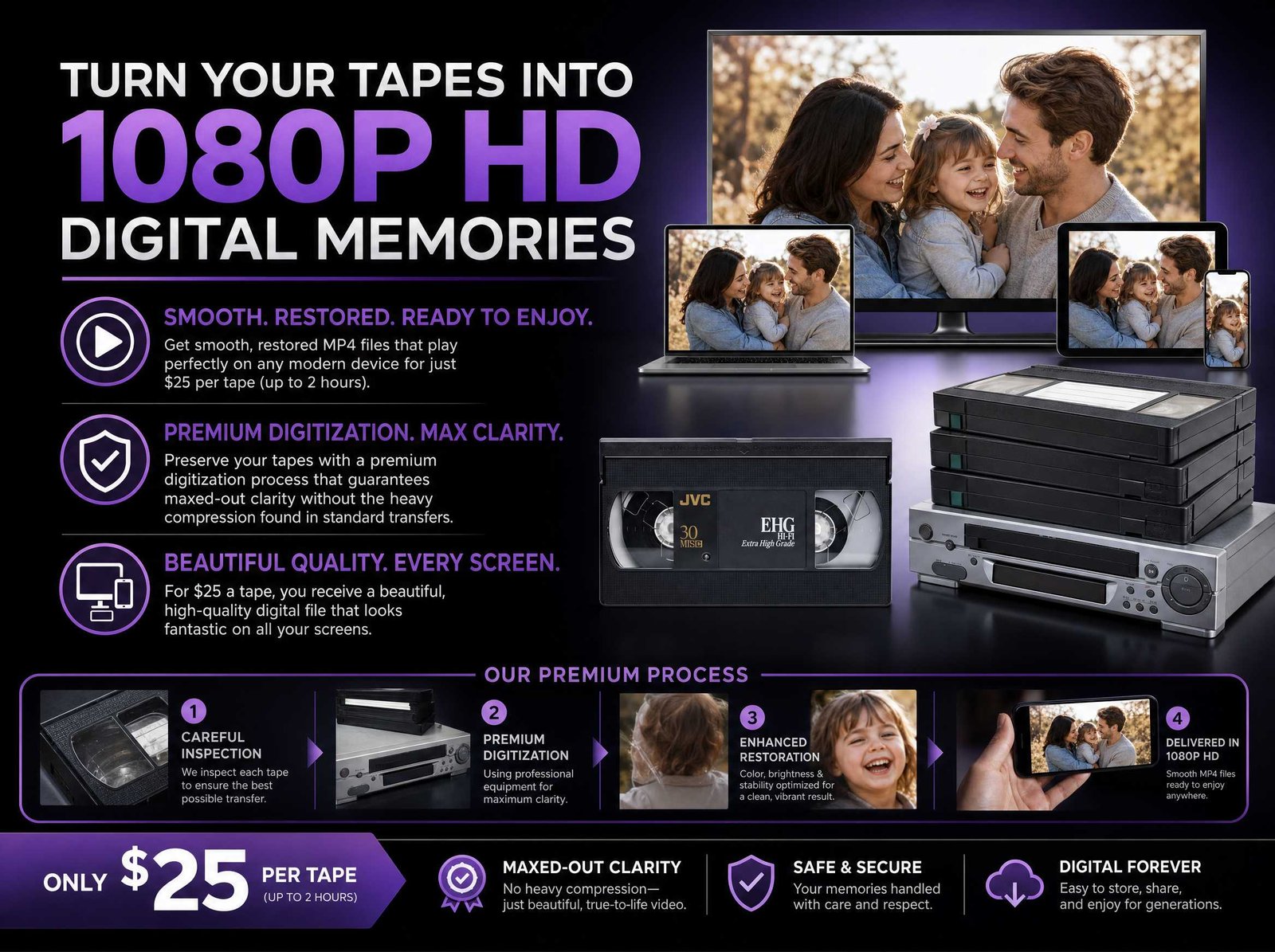
What a Professional Capture Actually Preserves
VHS is a low-resolution format. A proper capture does not change that — it makes sure nothing extra gets piled on top of it: no avoidable compression artifacts, no motion judder from skipped deinterlacing, and no unnecessary stretching or cropping.
🎛️ Professional Playback Decks
Professional Sony and Panasonic playback decks maintained for accurate tape handling
📡 Signal Stabilization
Time-base correction or signal stabilization where appropriate helps lock a drifting analog signal before capture
💎 Professional Capture Workflow
Picture stability, tracking, audio levels, and file integrity checked throughout the capture
🎬 Smooth Progressive MP4 Output
Smooth, deinterlaced progressive output formatted for modern screens
The result is a 1440×1080, 59.94 fps, H.264 MP4 — deinterlaced, formatted at the correct 4:3 aspect ratio, with no stretching or cropping. Visible detail is still limited by what was on the original tape and how it was recorded. Restoration, heavy noise reduction, color correction, AI upscaling, and stabilization are quoted separately when requested.
Why Deinterlacing Makes a Difference
VHS was recorded as interlaced video — 60 fields per second woven together for CRT displays that no longer exist. When digitization skips the deinterlacing step, the file can play with choppy motion and visible combing artifacts on anything that moves.
AVS deinterlaces NTSC-source tapes into smooth 59.94p progressive MP4 files as part of every standard transfer. That is the step that makes old tapes look right on a flat screen.
What's Included with Every MP4 Transfer
📺 The Standard MP4 File
- 1440×1080 resolution (native 4:3 — no stretching)
- 59.94fps progressive scan
- H.264 MP4 prepared for clean playback
- Plays on every device: iPhones, Smart TVs, Roku, Apple TV, Fire Stick, computers, game consoles
💾 Tape Handling and File Prep
- Basic per-tape filename and label included
- Basic tape cleaning and simple shell repairs at no charge
- Capture monitoring and basic file integrity checks
- The file is prepared for modern screens; visible detail is whatever the original tape recorded
One File. Every Device.
H.264 MP4 is one of the most universally compatible video formats available. No special software needed. No conversions. Open the file and press play.
Samsung, LG, Sony, Vizio, TCL
iPhone, iPad, Android
Mac, Windows, Linux
Roku, Apple TV, Fire Stick, Chromecast
PlayStation, Xbox
iMovie, Premiere, Final Cut, DaVinci Resolve
Common Questions
Is 1440×1080 the same as 1080p?
Not exactly. Standard 1080p usually means a 16:9 widescreen frame — 1920×1080. VHS content is 4:3. Delivering at 1440×1080 keeps that 4:3 ratio intact on a modern screen without stretching faces or cropping the edges. This is formatting, not AI upscaling — no detail is invented or reconstructed.
How many GB will my converted tapes be?
Standard H.264 MP4 runs approximately 10 GB per hour — quality is maximized, not squeezed. A 2-hour tape runs roughly 20 GB. H.265/HEVC is available by request at roughly 6–7 GB per hour at comparable visual quality. AV1/H.266 can be discussed for smaller specialty files. Actual size varies with content.
What is time-base correction?
Analog tape playback is inherently unstable — the tape stretches, the heads wear, and the signal drifts. Time-base correction or signal stabilization can lock the signal to a more stable reference before digital capture. When appropriate for the tape and workflow, this helps reduce jitter, rolling bars, and color bleed.
Can VHS-C tapes be converted?
Yes. VHS-C uses the same tape stock and format as full-size VHS, just in a smaller shell. It plays on professional VHS decks with the proper adapter.
What about copy-protected tapes?
AVS transfers home-recorded tapes for preservation. We do not duplicate commercial movies or broadcast recordings.
Pricing and Delivery Options
| Tape length | Price |
|---|---|
| Up to 2 hours | $25 |
| Over 2–4 hours | $50 |
| Over 4–6 hours | $75 |
Each additional started 2-hour block adds $25. Tape length is confirmed at drop-off before work begins.
Delivery Options
☁️ Cloud Delivery
$5.00 per delivered video file
We upload your MP4s to a secure, password-protected cloud folder. You get a link to stream, download, and share with family. Files remain available for download for 180 days.
💾 AVS-Provided Drive
current cost confirmed before ordering
If you need AVS to provide a USB drive or external hard drive, we recommend the right size, confirm the current retail price with you, and add the actual drive cost to your invoice.
🔌 Bring Your Own Drive
Free
Have a blank USB or external drive? Bring it. Standard H.264 MP4 runs approximately 10 GB per hour of footage. H.265/HEVC is available by request at roughly 6–7 GB per hour at comparable visual quality.
Quick MP4 Transfer Summary
| Item | Standard MP4 Transfer | Included | Notes |
|---|---|---|---|
| Resolution | 1440×1080 MP4 | Yes | 4:3 aspect ratio preserved |
| Frame rate | 59.94p progressive | Yes | Deinterlaced for smooth playback |
| Signal stabilization | Where appropriate | Included when needed | Depends on tape and source condition |
| Capture hardware | Professional playback and capture workflow | Included | Picture and audio monitored during capture |
| Turnaround | 1–3 business days | Standard tape projects | Larger projects confirmed at drop-off |
| Your tapes | Returned at pickup | Yes | Local appointment-only handling |
| Price per tape | $25 per started 2-hour block | Standard pricing | Additional started blocks add $25 |
Need More Than MP4?
For projects that call for something different, Austin Video Solutions can also prepare editing masters, archival files, or physical discs.
🎞️ ProRes Master
$25/tape
Edit-ready Apple ProRes 422 files for professional workflows in Premiere, Final Cut, or Resolve.
🏛️ Lossless Archive
$52.50/tape
Uncompressed archival capture for serious preservation, restoration prep, and advanced editing workflows.
📀 DVD
$17.99/tape
Physical disc for anyone who prefers a player over a file.
We'll help you pick the right format at drop-off. No pressure, no upsell — just honest advice based on how you plan to use your videos.
Files Made for How You Actually Watch Them
MP4 is usually the right choice when the goal is simple: watch the video, share it with family, store a copy safely, and play it on the screens people already use.
For editing, restoration, or deeper archival work, AVS can also prepare ProRes or lossless files. For most family viewing projects, a properly prepared MP4 is the practical everyday file.
Ready to See What's on Those Tapes?
Book a drop-off appointment. Bring your tapes. Most standard projects finish in 1–3 business days.
Questions first? Use the chatbot in the bottom-right corner of the page, or call Austin Video Solutions directly.
📍 South Austin, TX 78748 — By Appointment Only
All Services ·
Full Pricing ·
Reviews ·
FAQ ·
How to Get Started